
Your download will start automatically. If it does not, download Pluk manually.
Installing Pluk
is as easy as 1-2-3
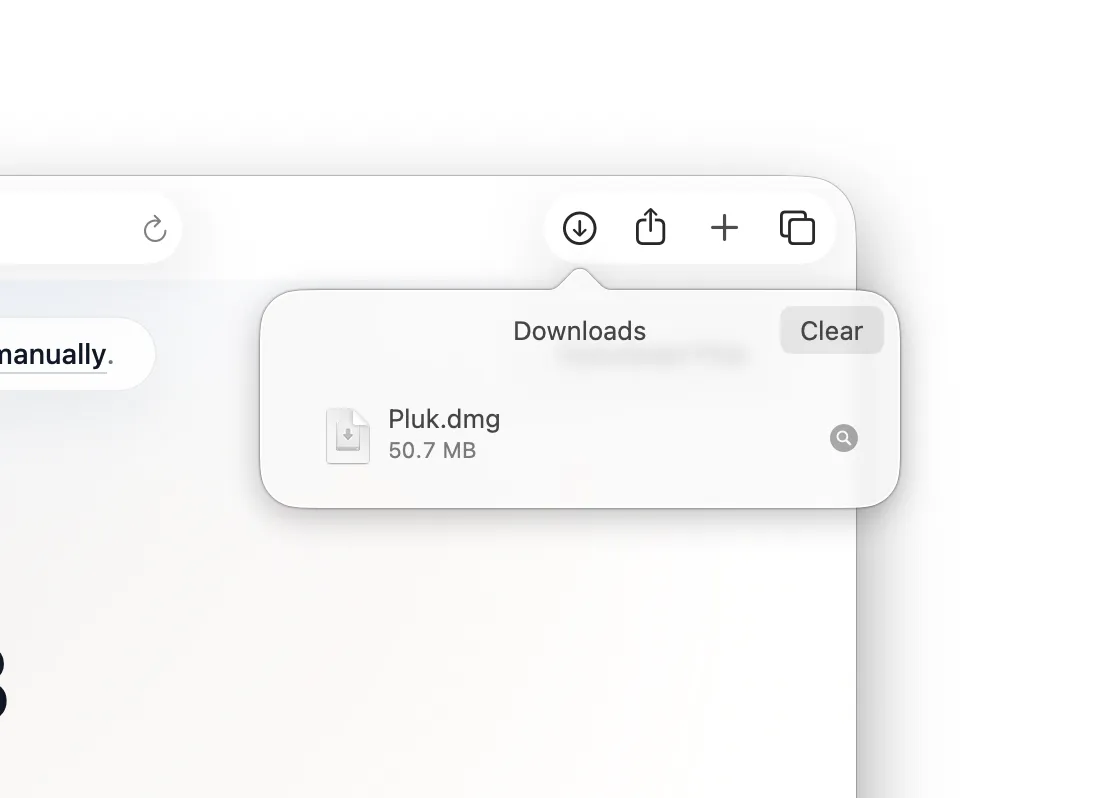
1 Find Pluk.dmg in your Downloads folder and open the installer
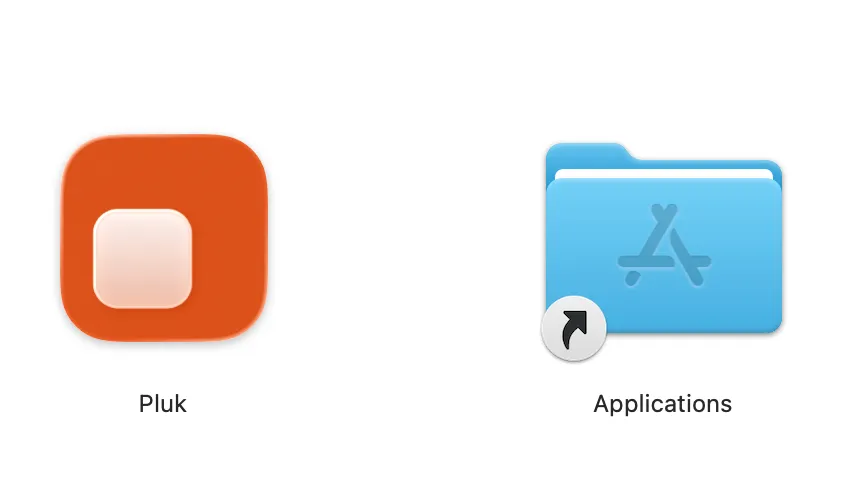
2 Drag the Pluk icon into the Applications folder
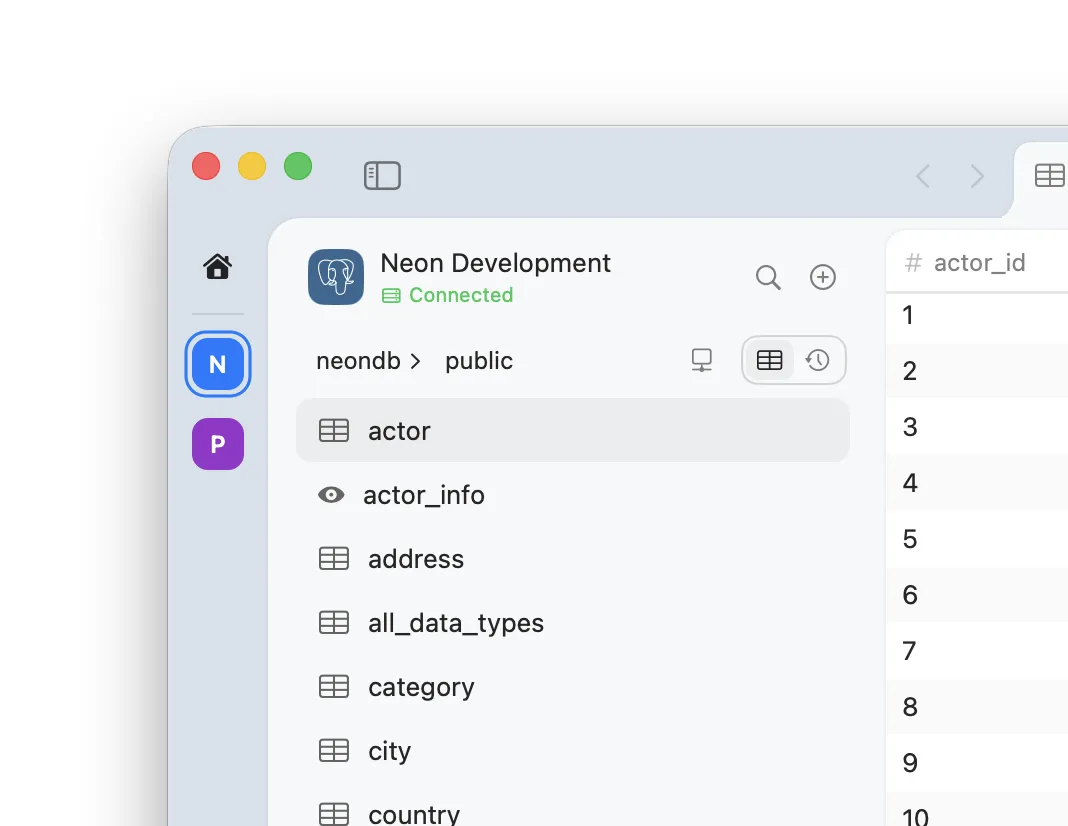
3 Open Pluk from Applications, connect your database, and start querying